Build with BotShield.
Place BotShield Gates on any action in your product, or your agents, in one line. The visitor’s passkey answers at all of them. We hold the proof, never the identity.
Public beta. Sandbox keys the moment you sign in with a passkey; production keys once your domain is verified and your KYB clears.
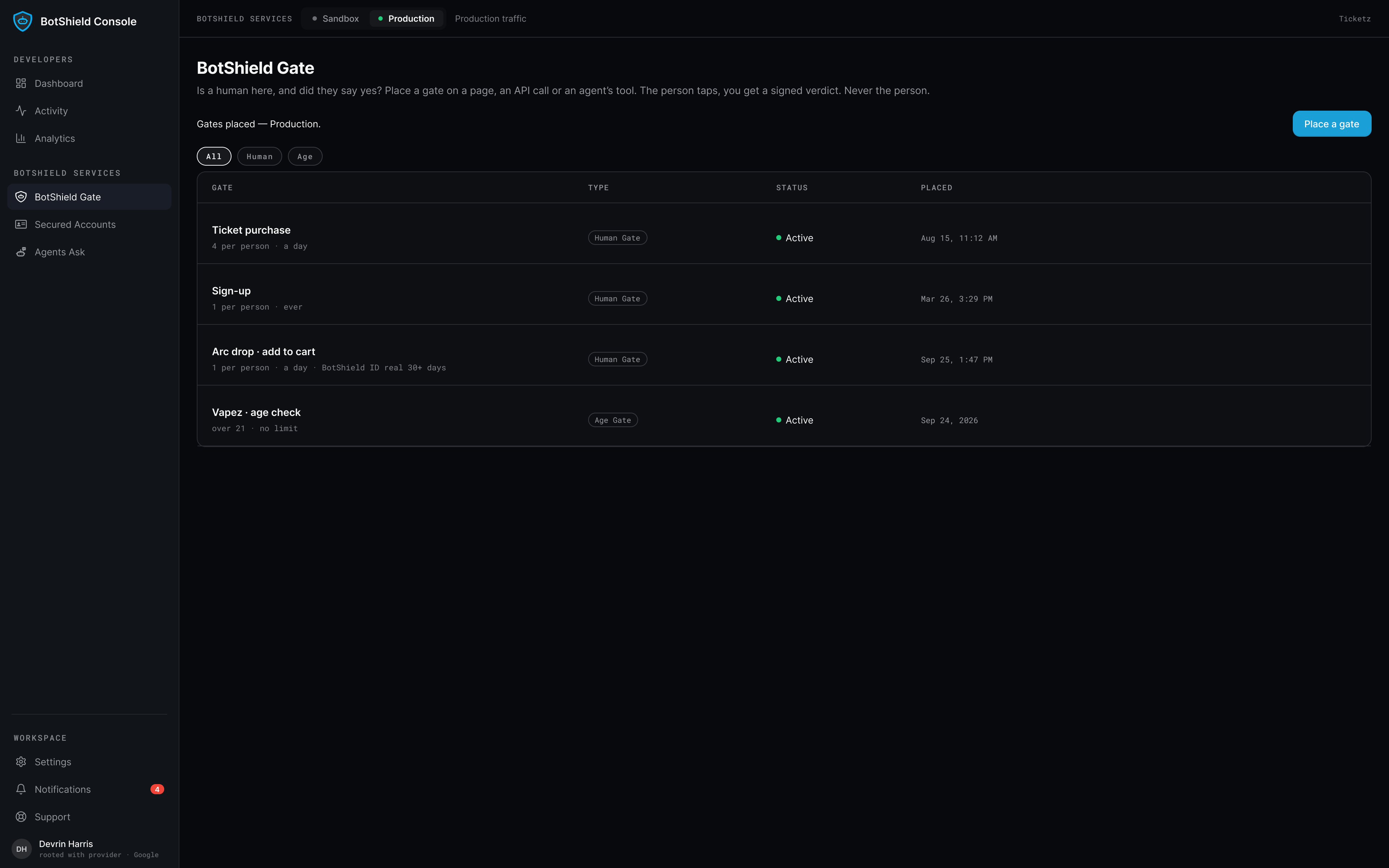
One console.
Every verdict on record.
Your gates, your Secured Accounts registry, every signed verdict and Proof of Resolution — in one place, with a person behind every key.
However the call arrives,
it lands on the same record.
The Console issues the keys — a site key for a gate, one per agent for the tools — and every way in writes to the registry above.
One line on your page.
The web component with a site key, at the moment that matters. The visitor confirms on their phone; your server verifies the signed result.
Your agent asks. It cannot answer.
bind_session · check_binding · propose_resolution · check_resolution_status · cancel_resolution — one key per agent.
Straight at the API.
The same calls with no tag or runtime in the way. One TypeScript SDK covers both products; the hosted MCP server needs no local process.
None of the five tools can say yes. The model asks; your code enforces — verify the ES256 JWT against our public JWKS before you execute. It attests that the person’s signed-in session answered this request; the passkey does not sign the action itself.
A gate on any moment.
One line.
One tag, one call. A signed verdict.
Renders the Verify Human button at the moment that matters.
pass / Unavailable — signed, straight to your webhook.
Verify against the published JWKS. Identity is never in the payload.
One button. A signed resolution.
Tap launches the session and links the agent — it never executes on tap.
The ask lands as a request in the user’s Agents Ask™ inbox.
Comes back as a signed Proof of Resolution.
BotShield Console FAQ
What’s the best passkey verification service for a small online business?
How can I add a live-human check to my website without special hardware?
What does my server actually receive from BotShield?
Do my users need to install something?
One line.
A person behind it.
Your first gate is free.
BotShield runs in your browser.
Sign in with Apple or Google, add a passkey, and approve what your agents ask — the same account the phone app will use.
Open app.botshield.ai →