PII hygiene.
We leave who your customers are with the provider. Holding it is not our job, and leaving it there is what protects them.
Who a person is stays with the account they already have, at Apple or Google. Their passkey is kept in their own password manager, and it only answers once they unlock the phone with their face, fingerprint or passcode. So a BotShield ID can answer for them without ever saying who they are.
Free on the App Store and Google Play.
 FIDO Alliance member · every product answers with a passkey
What we never take, nobody can take from us.
Most verification starts by collecting who someone is. We think that is the wrong first move. It is not our job, and your customers are safer because we do not do it.
No name, no email address, no government ID.
The BotShield app makes an ID without any of them. What was never taken cannot be leaked, handed over or got wrong.
A different link everywhere.
Each company gets its own, never the one next door. No two companies can compare notes on a person.
Their data isn’t for sale.
There is no profile here to build one from. Not now, and not later.
We leave identity where it already is.
Apple or Google holds who they are.
The account a person already uses every day. We never copy it. The app keeps the provider’s id for that account, with no name and no email address beside it, and never a password.
The passkey stays with them.
It is kept in their own password manager, and it only answers once they unlock the phone with their face, fingerprint or passcode. So the yes comes from the person holding that unlocked phone.
We ask. We never hold who.
We carry a company’s question to that person and their yes back. Nothing about who they are travels with it.
That makes the provider’s own account security the floor. Someone who takes over that account can reach the passkey, which is why a new phone on a BotShield ID is flagged for the person to review.
One ID, every company.
It is what your customer holds. It works only with their passkey, and it says nothing about who they are.
Set up once.
Every company that asks gets a live answer, from the same ID.
We verify the account holder.
Never who they are. Never for sale.
It never becomes a profile.
It holds the companies they linked and the agents they let in. Never what they did there.
Free for people, always.
Their blue check costs them nothing. Companies pay.
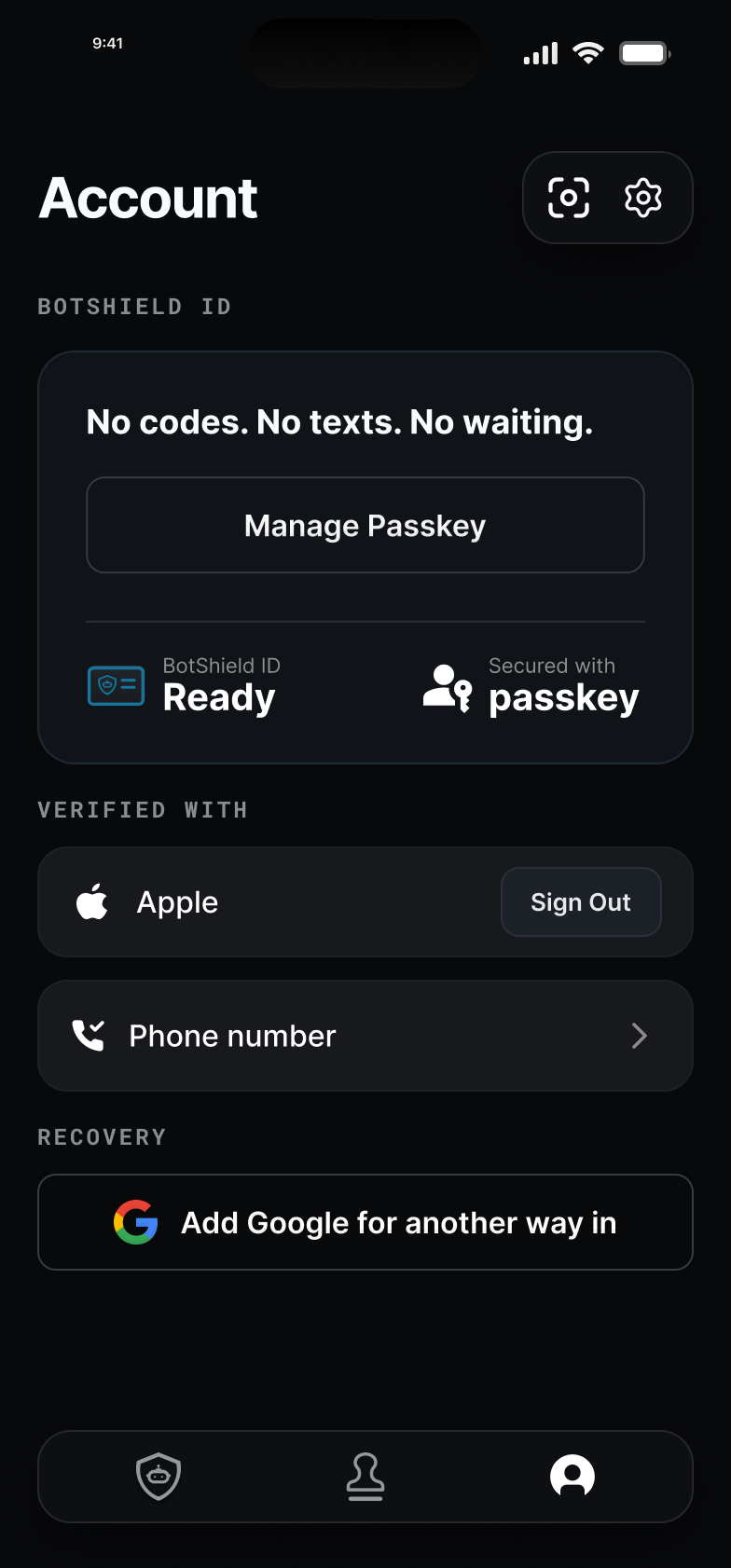
A verified phone number. Encrypted at rest. Never shared.
Every BotShield ID stands on one real mobile number. It is the one thing we ask for, and we treat it that way.
The number, not the identity.
A real mobile number, checked once with their carrier. Most of the time there is no code to type.
Encrypted at rest.
Stored encrypted, with no name beside it.
Nobody. It is never shared.
Never given to anyone. A company never receives it from us, including one whose staff typed it in to reach them.
One account per verified phone number.
A second account takes a second number. And your team can reach your customer by the number they give you.
A phone number alone never signs anyone in and never answers a request. The passkey does.
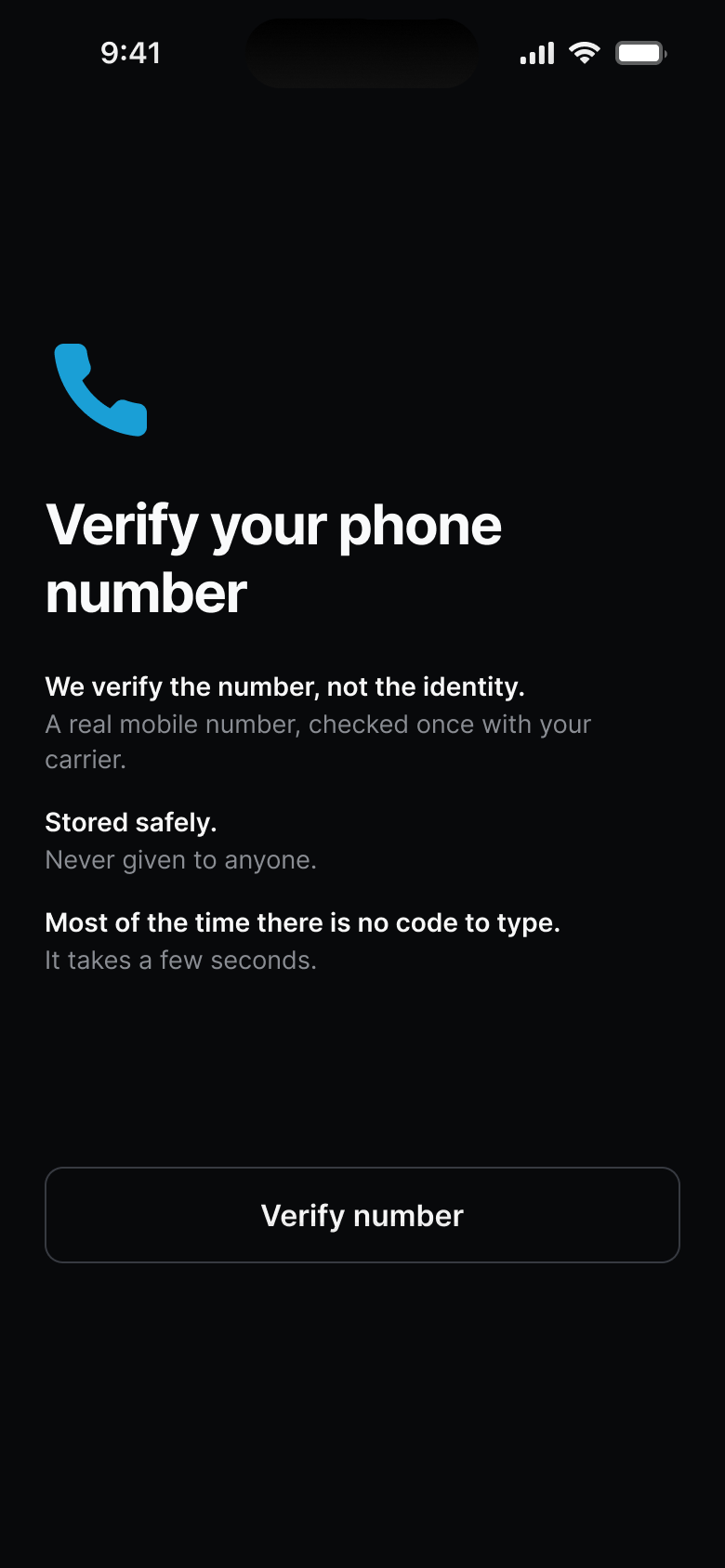
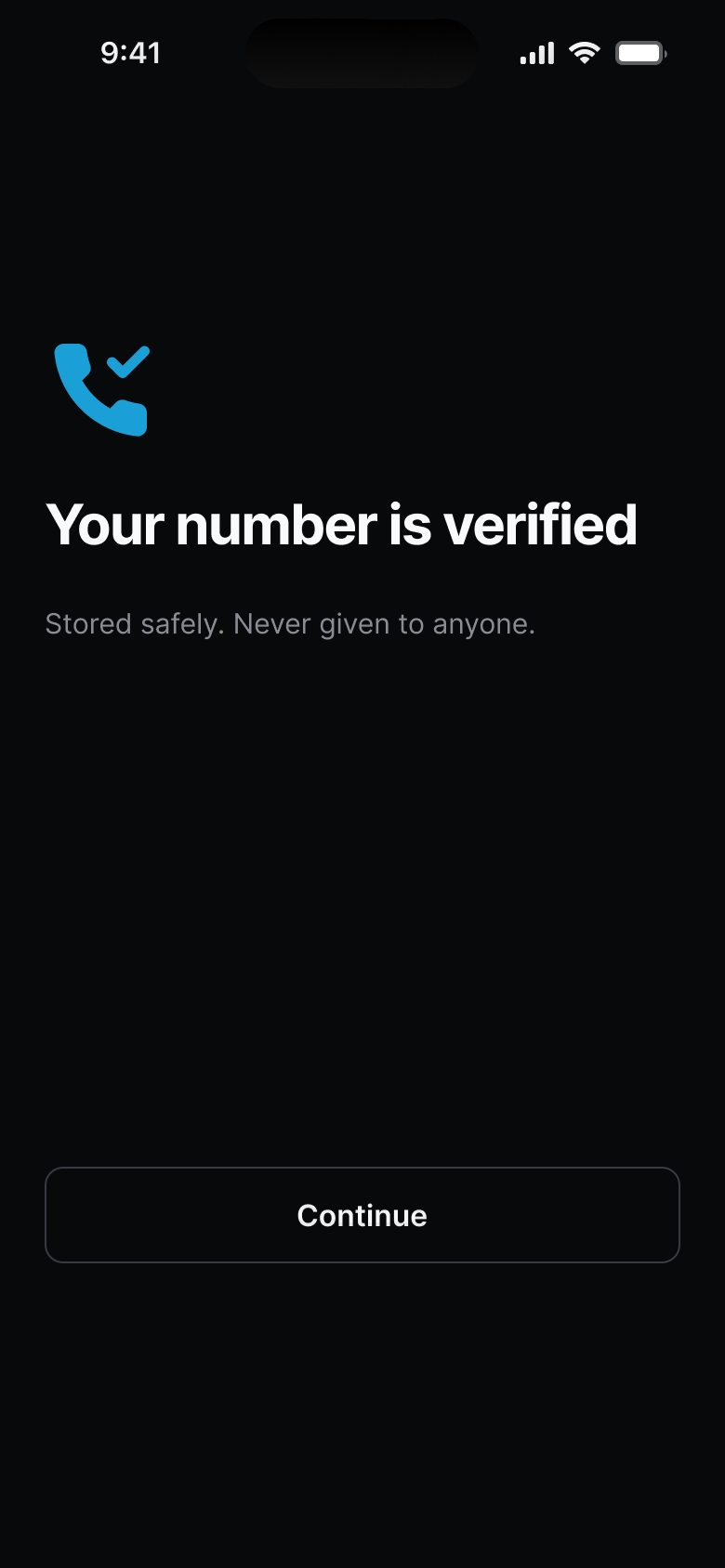
Setting up, in the BotShield app.
Five things, named. Three things, never.
What it takes to answer, and no more.
The BotShield ID. It works only with their passkey. It says nothing about who they are.
Their accounts and agents. Each company and agent they linked, and when. Never their contents, passwords or activity.
Their history. When they verified, and each ask they answered. Never where they were. Kept 90 days, then deleted.
Their phone number. Encrypted at rest, with no name beside it. Never shared with anyone.
Their sign-in accounts. An id from Apple or Google, and a one-way fingerprint of the email.
A name, an email address, a government ID.
Browsing or activity.
Face ID data. It never leaves their device.
Their data isn’t for sale.
Every lever is in their hand.
Which companies.
They link each one themselves, and unlink any of them from the app.
Which agents.
An agent can ask only after they let it in. Removing one leaves the rest standing.
Which phones.
A new phone on their ID is flagged for them to review: was this you?
All of it, or none.
They can download everything we hold, or delete the account, with their passkey.
Digital Identity FAQ
Why does BotShield ask for a phone number?
What is a BotShield ID and what does it hold?
Can companies see who I am?
What happens if I get a new phone?
Can I delete my BotShield ID?
Nothing to issue. Nothing to store. Nothing to lose.
Your customers bring the passkey. You ask.
Leave your work email and a person replies.
BotShield runs in your browser.
Sign in with Apple or Google, add a passkey, and approve what your agents ask — the same account the phone app will use.
Open app.botshield.ai →