Verified Accounts.
The actions that matter wait for the account holder.
Your customers enroll once, with a passkey and one verified mobile number. Then a new plan, a new payee or a new address waits for their yes, on their own phone.
No ID uploads. Your sign-in stays as it is.
Live today: enrollment, and requests from your AI agent. In pilots: the window for your support team.
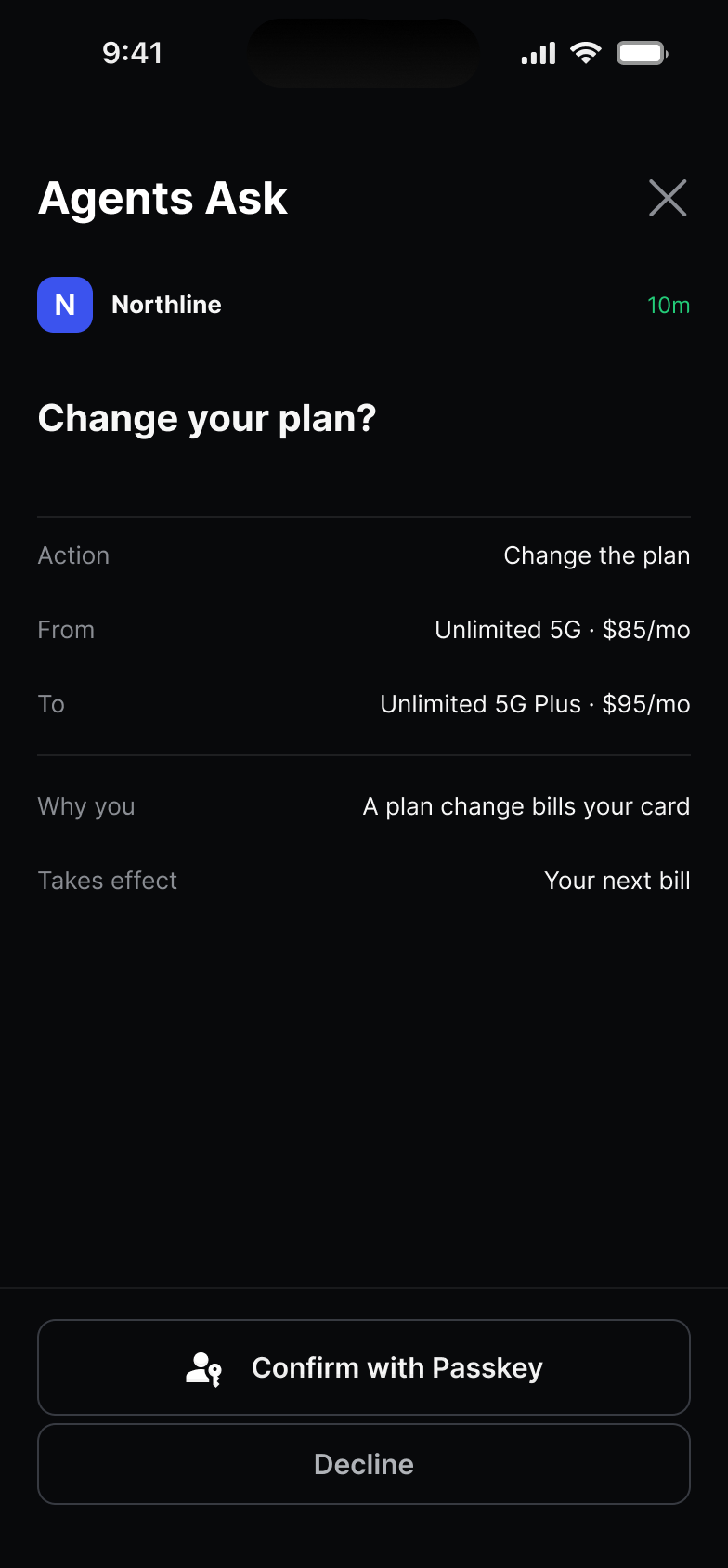
Enroll once. In under a minute.
- On your site or app
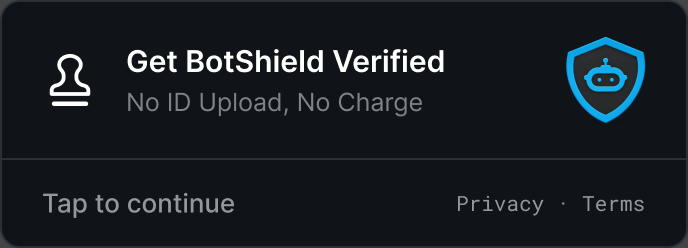 Tap Get BotShield Verified.
- Tap 1
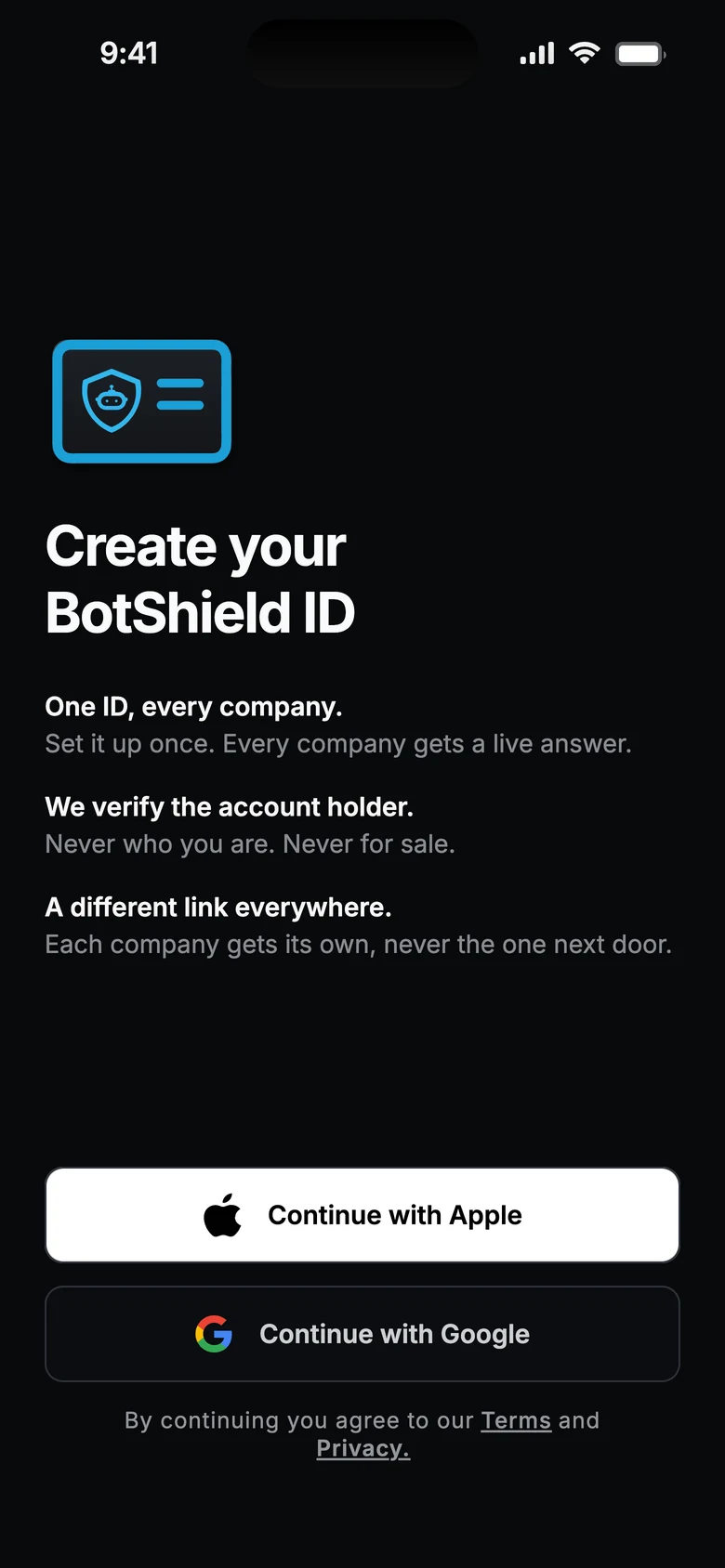 Sign in with Apple or Google.
- Tap 2
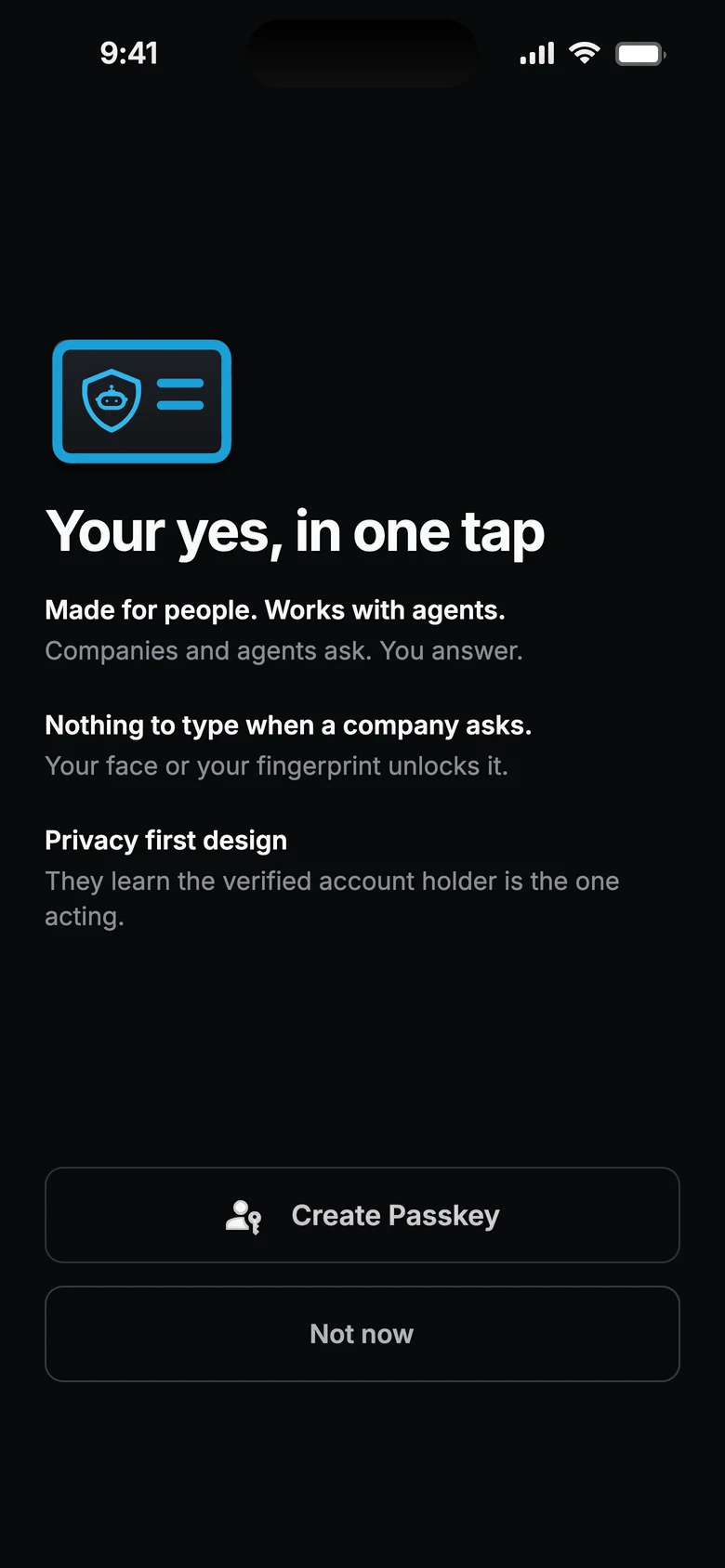 Create a passkey.
- Tap 3
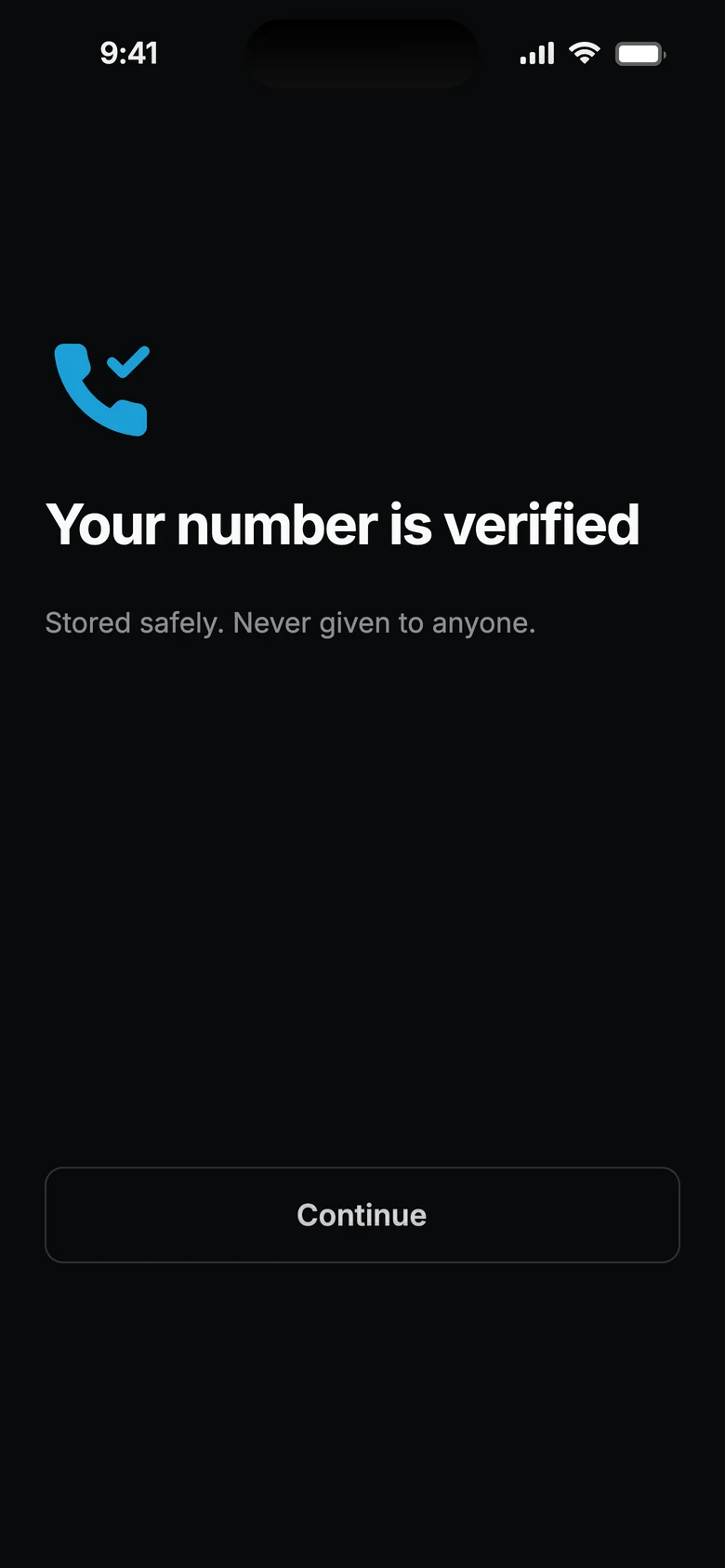 Verify the number, once.
A stolen password can sign in. The actions that matter still wait for the account holder.
- The ask
 Your agent asks.Or your support team, in pilots.
- The termsChange your plan?FromUnlimited 5GToUnlimited 5G PlusPrice$95/moOn their own phone.Who is asking, and what will change.
- The answer
 Confirm with Passkey.Or decline. No code to type.
- The record
 A signed yes.Or a plain no. Nothing changes until then.
One small window, beside the ticket.
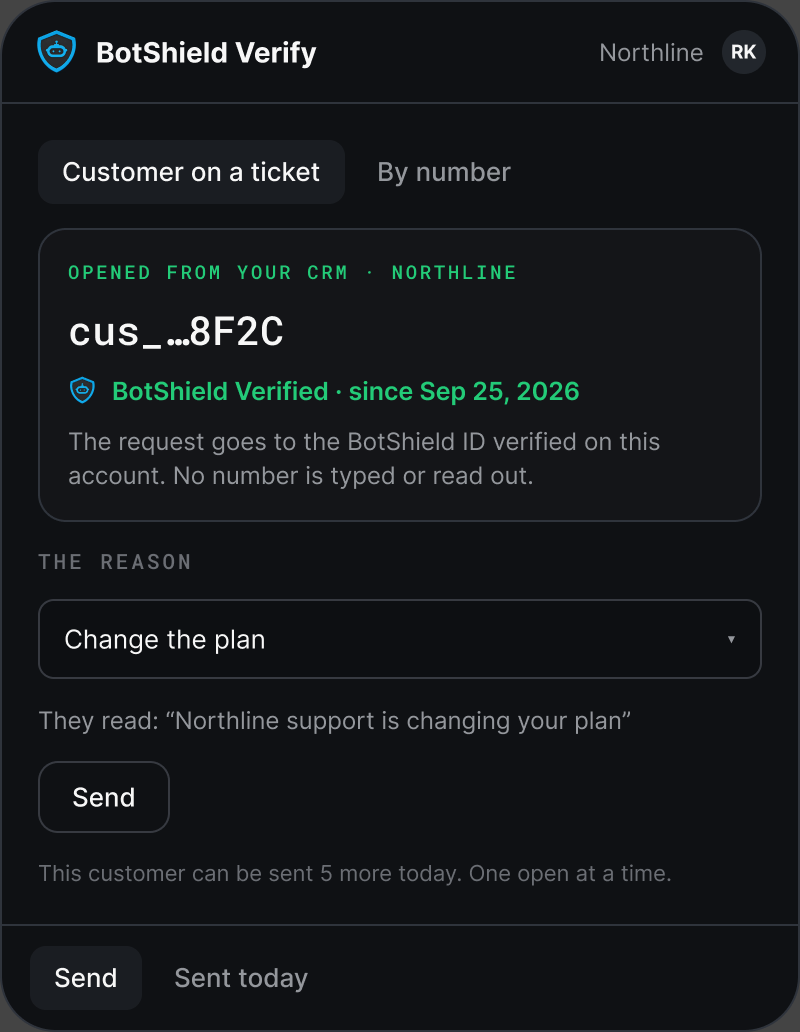
- Your team opens the customer and picks a reason.
- The customer confirms with their passkey. No code is texted at a request, and they read nothing back to you.
- Your screen turns to Verified.
Drawn from the design. Illustrative data.
One verified number. It keeps the account BotShield Verified.
Every BotShield ID stands on one mobile number, confirmed once with a texted code at set-up. BotShield stores it encrypted and never sends it to you; you hold a pairwise BotShield ID instead. A new phone or a new number? Your customer verifies it again in the app.
Alongside the sign-in you already use.
Passkey or password, nobody migrates. BotShield reaches the account holder for the actions that matter, even when they aren’t the one signed in.
Know the agent ordering belongs to a verified customer.
At each order, one call to the BotShield Signal API answers verified, true or false. Nobody is asked: the customer already told their own agent what to buy.
A store’s own order screen, drawn for illustration.
Bring us your hardest account‑change problem.
Consumer companies with accounts worth protecting: credit unions, banks, carriers, insurers and subscription businesses. Your support team or your AI agent changes customer accounts today, and you want the account holder’s own yes on the changes that matter.
We reply with a 20-minute call and a live demonstration on a test account. How pilots work →
- Set up with our team, on your real flow.
- Your use case shapes what ships next.
- A signed record of each answer, for your fraud team.
- One flow: a support queue or one AI agent, and one button on one signed-in page.
- A named owner on your side, and a short weekly check-in.
- Your results, shared with us. If it works, your name as a reference.
- How many of your customers became BotShield Verified when offered.
- How many changes they approved, and how many they declined.
- How long confirming a caller took, before and after.
Questions
What does my customer have to do?
Where does a request go?
What does my company get back?
What does verified mean?
Do customers upload an ID?
Do we replace our sign-in?
BotShield runs in your browser.
Sign in with Apple or Google, add a passkey, and approve what your agents ask — the same account the phone app uses.
Open app.botshield.ai →